| Speech audibility at the entrance | Check whether a resident can understand a visitor from the apartment’s usual answering location, with doors and windows in their normal positions. | Test during a quiet period and a typical noisy period. Ask several people to repeat a short phrase spoken at a normal volume. Listen for clear words, not merely a loud signal. | Building layout, hallway noise, speaker placement, and room acoustics can affect intelligibility. |
| Speech audibility at the entry panel | Have a visitor speak from the expected standing position and listen from inside the apartment. | Repeat the test at different distances and with ordinary background noise. Adjust microphone and speaker levels if available, then check for distortion or feedback. | A system that is clear in a showroom may perform differently in a reverberant lobby or noisy entrance. |
| Volume and adjustment | Confirm that call and speech volume can be adjusted to suit different residents and locations. | Test the lowest and highest settings and verify that speech remains understandable without excessive loudness or distortion. | Adjustable volume can help accommodate differences in hearing and ambient noise. |
| Call indication | Check whether an incoming call has a clear audible signal and, where provided, a visible indicator. | Test the call signal from across the room and in typical daytime conditions. Confirm that visual indicators are easy to notice. | Multiple forms of notification can make calls easier to notice in noisy environments or for residents who may not hear a tone. |
| Backup power | Ask which functions remain available during a mains power outage, including communication and door release. | Request the documented backup runtime under the expected load. Confirm battery type, replacement interval, charging method, and low-battery indication; test the system using the manufacturer’s safe procedure. | Backup performance varies by system, battery condition, connected locks, and usage. Do not assume that communication and unlocking will both remain available. |
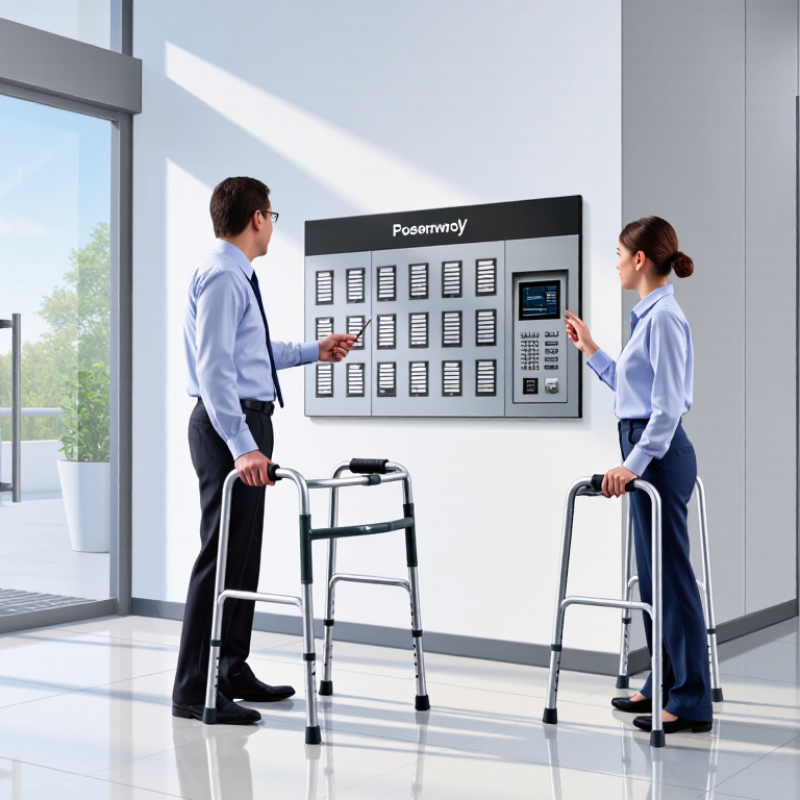
| Accessible control height and approach | Check that controls can be reached and operated from a clear, usable approach, including by residents using mobility devices. | For projects subject to U.S. ADA requirements, check applicable reach-range provisions; a common unobstructed forward or side reach range is 15–48 inches above the floor, subject to exceptions and site conditions. | Applicable accessibility rules depend on the building, location, installation, and specific configuration. Verify requirements with a qualified accessibility professional. |
| Accessible door release | Determine whether a resident can release the entrance without needing to grip, pinch, or twist a small control. | Try the release using one hand and with limited dexterity. Check button size, operating force, placement, and whether the door actually opens or unlocks as intended. | An accessible intercom control does not by itself ensure that the entrance door or opening hardware is accessible. |
| Resident usability and labeling | Review button labels, call instructions, and any tactile or high-contrast features. | Ask residents with varied vision, hearing, and dexterity to complete a sample call and door-release sequence without assistance. | Clear, consistent controls reduce confusion for residents, visitors, and delivery personnel. |
| Installation and ongoing checks | Confirm who will maintain the system and how faults, battery warnings, and audio problems will be reported. | Include a scheduled check of call audio, release operation, backup-power status, and visible indicators. Record test results and corrective actions. | Routine checks help identify degraded batteries, damaged wiring, and changes in audibility before they disrupt entry. |