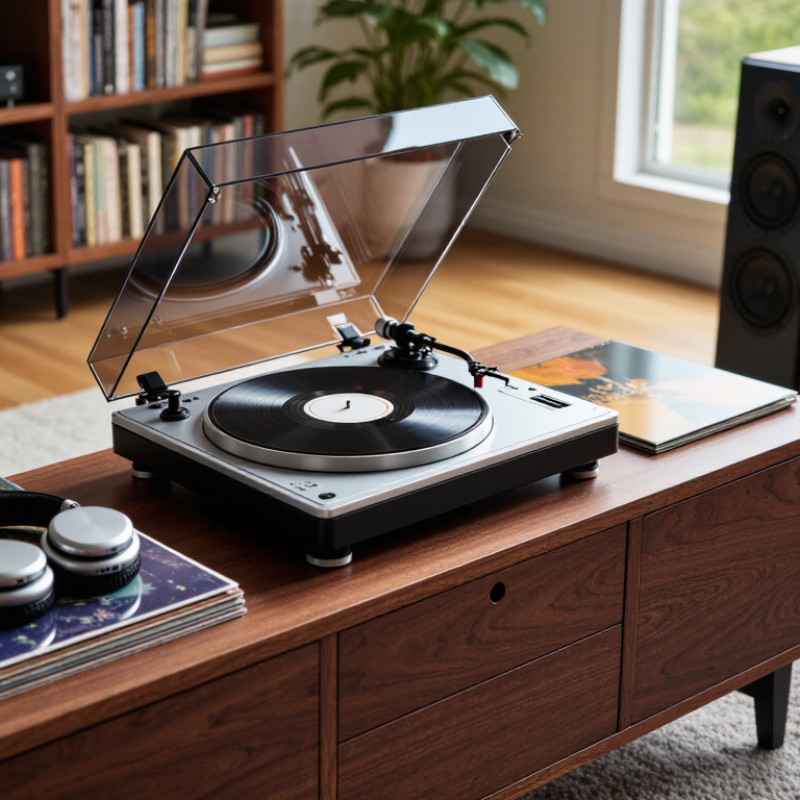
| Powered speakers | Built-in phono preamp, or a separate phono preamp | Powered speakers have a built-in amplifier; no separate power amplifier is usually needed. | Connect the turntable’s line-level output to an available analog input on the speakers. | Check for a clearly labeled LINE output or switch. If the turntable only provides a phono-level signal, add a phono preamp. |
| Stereo receiver or integrated amplifier with a PHONO input | A phono-level output is suitable; a built-in preamp is optional. | Connect passive speakers to the receiver or amplifier, following its speaker-impedance specifications. | Use the turntable’s PHONO output with the receiver’s PHONO input. Avoid applying two phono preamps in series. | If the turntable has a preamp switch, select PHONO when using the receiver’s PHONO input. |
| Stereo amplifier without a PHONO input | Built-in phono preamp, or an external phono preamp | The amplifier powers passive speakers; select speakers within the amplifier’s supported load range. | Connect a line-level signal to an AUX, LINE, or other compatible analog input. | A turntable’s PHONO output should not be connected directly to a standard line input without phono equalization and amplification. |
| Headphones | Check whether the turntable includes a headphone output; many do not. | Use a headphone amplifier or receiver with a headphone jack if the turntable has no suitable output. | Confirm the connector type and whether the output is line-level or intended to drive headphones. | A line output is not the same as a headphone output and may not provide enough power for headphones. |
| Wireless listening | Bluetooth transmission, if wireless playback is required | Use compatible wireless speakers or headphones that support the same Bluetooth audio connection. | Check whether the turntable transmits audio over Bluetooth; Bluetooth reception alone does not transmit to speakers. | Wireless audio may add latency or use lossy compression. A wired connection is generally preferable for straightforward stereo playback. |
| Digital recording or computer connection | USB output, if digitizing records is needed | USB is typically used for recording, not for powering passive speakers. | Check the computer’s operating-system compatibility and whether recording software is required. | For listening through speakers, use the appropriate analog output path as well as USB if the turntable’s design requires it. |
| Compact or all-in-one setup | Built-in phono preamp and, if desired, integrated speakers | Integrated speakers reduce setup complexity, but may offer less placement flexibility than separate speakers. | Confirm which outputs are available for adding external speakers or recording equipment. | Check the complete signal path: cartridge, phono preamp, amplifier, and speakers. Each required function must be provided somewhere in the system. |
| Any setup using passive speakers | The turntable alone does not normally power passive speakers. | A separate power amplifier, integrated amplifier, or receiver is required. | Connect the turntable to a suitable phono or line input, then connect the amplifier’s speaker outputs to the passive speakers. | Match speaker impedance and power handling to the amplifier’s specifications; follow the equipment manuals for safe connections. |