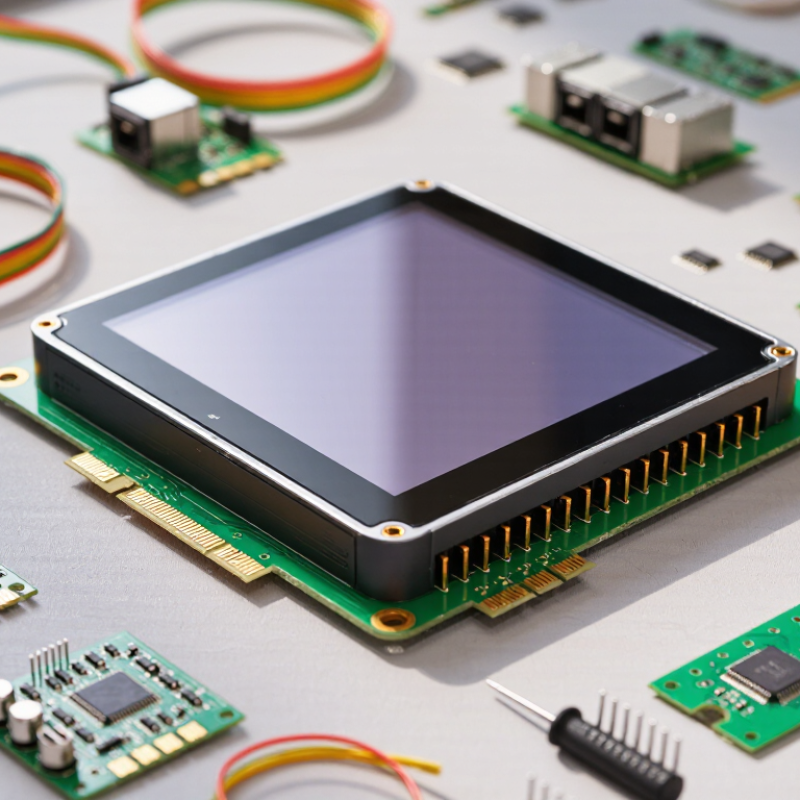
| 1. Display Size and Resolution | A 3.5-inch TFT LCD commonly uses a 320 × 480 or 480 × 320 pixel resolution. Touch overlay resolution is determined by the controller and calibration. | The same display resolutions are available, but the cover lens and sensor stack may add thickness and optical interfaces. | Confirm the active area, viewing orientation, pixel resolution, and touch-active area separately before selecting the module. |
| 2. Input Method | Responds to pressure from a finger, gloved hand, stylus, or other non-sharp conductive or non-conductive object. | Normally responds to a conductive finger or compatible conductive glove; ordinary passive styluses generally do not work. | Choose resistive touch when input must work with any stylus or heavy gloves. Choose projected capacitive touch for finger-oriented interfaces. |
| 3. Touch Capability | Most 4-wire designs provide single-touch input and require physical pressing to register a contact. | Can support multi-touch gestures such as pinch, zoom, and two-finger scrolling when the sensor and controller are designed for it. | Use projected capacitive technology when the user interface requires gestures or simultaneous touch points. |
| 4. Optical Performance | The overlay can reduce brightness and contrast because it adds layers between the user and the LCD. Surface haze and reflection depend on the overlay construction. | A glass surface can provide good clarity and scratch resistance, but reflections may increase unless an anti-glare or anti-reflective treatment is used. | For sunlight-readable equipment, compare measured luminance, reflectance, haze, cover-lens treatment, and optical bonding—not only the touch technology. |
| 5. Durability and Surface Protection | The flexible top layer can be more vulnerable to scratching, creasing, or damage from sharp objects. Excessive pressing may shorten service life. | The exposed glass cover is generally more resistant to surface wear and repeated finger tapping, but it can crack under impact. | Select based on the actual abuse profile: scratches favor a protected glass surface, while impact and vandalism require a separately specified mechanical design. |
| 6. Environmental Conditions | Can operate with gloves and in conditions where a finger may be wet, although water or contamination can cause false touches or reduce consistency. | Water, condensation, thick gloves, electromagnetic noise, and poor grounding can interfere with sensing unless the system is specifically designed to reject these conditions. | Request test data for temperature, humidity, water rejection, glove operation, and electromagnetic compatibility in the intended enclosure. |
| 7. Electrical Interface and Integration | The LCD and touch panel may use separate interfaces. The touch controller commonly communicates through an analog interface or a digital interface such as I²C. | The touch controller commonly uses I²C, while the LCD may use SPI, RGB, or another display interface. Sensor grounding and controller placement are important. | Verify connector pinout, logic voltage, controller compatibility, interrupt signals, cable length, firmware support, and available mechanical drawings. |