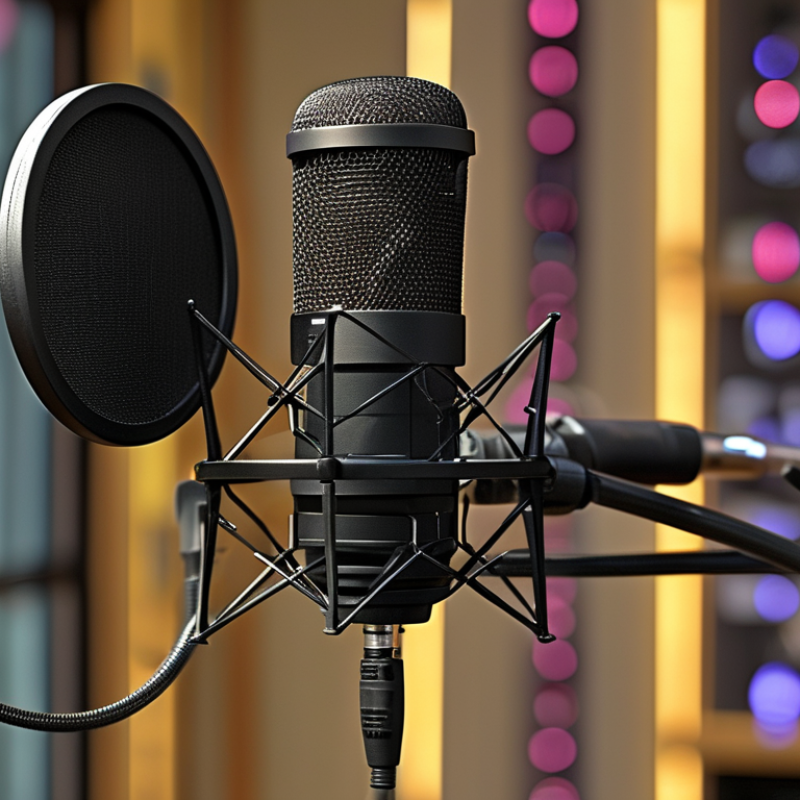
| 1 | Set a realistic budget | Compare the microphone, mounting hardware, cables, and any required accessories as one purchase. | About $50–$150 for most home streamers | A higher price does not automatically produce better recordings. Room acoustics, placement, and speaking technique strongly affect sound quality. | High |
| 2 | Confirm plug-and-play compatibility | Check operating-system support, USB connector type, driver requirements, and compatibility with the intended streaming software. | USB audio class support; no special driver required | A standard USB connection can simplify setup, but adapters or hubs may introduce compatibility and power issues. | High |
| 3 | Choose the right pickup pattern | For solo streaming, prioritize a cardioid pattern that focuses on sound from the front and reduces some rear noise. | Cardioid for one speaker; multi-pattern for shared use | Pickup pattern affects keyboard noise, room reflections, and how well the microphone suits interviews or multiple speakers. | High |
| 4 | Check monitoring and control features | Look for a headphone output, low-latency monitoring, mute control, and convenient gain or volume adjustment. | 3.5 mm headphone monitoring recommended | Direct monitoring helps detect clipping, background noise, and accidental mute states before they affect a live broadcast. | High |
| 5 | Evaluate included accessories | Identify whether the package includes a stand, shock mount, pop filter, USB cable, and thread adapter. | At least a stable stand and suitable cable | Included accessories can reduce the real cost, although a basic desktop stand may be less effective than a properly adjusted boom arm. | Medium–High |
| 6 | Consider recording specifications | Review bit depth, sample-rate options, frequency response, maximum sound-pressure level, and noise performance. | 16-bit/44.1 kHz is adequate; 24-bit/48 kHz adds headroom | Specifications provide useful clues, but they do not replace listening tests or careful microphone placement. | Medium |
| 7 | Read reviews critically | Compare reviews that discuss sound, plosive control, background noise, software stability, construction, and defects. | Use multiple independent sources | A single rating can hide recurring problems or reflect expectations that do not match a streaming setup. | High |
| 8 | Inspect build quality and adjustability | Check housing strength, button feel, connector strain relief, hinge stability, and ease of positioning. | Metal or reinforced construction; firm adjustment points | A microphone that stays in position and survives regular cable movement is less likely to require early replacement. | High |
| 9 | Check warranty and support | Review the warranty period, return window, replacement policy, firmware support, and availability of spare cables or mounts. | At least a one-year warranty preferred | Clear support terms reduce the financial risk of electronic failure and make repairs or replacements easier. | High |
| 10 | Calculate total cost of ownership | Add the purchase price, accessories, replacement cables, software needs, shipping, and likely upgrade costs. | Compare usable cost over 3–5 years | A slightly more expensive microphone may be better value if it includes essential controls, durable hardware, and reliable support. | Very High |